


Remote control on Android: a permission that should never be hidden
Remote control requires more trust than screen viewing. One of the key tasks was building a clear flow for granting and revoking Android permissions.
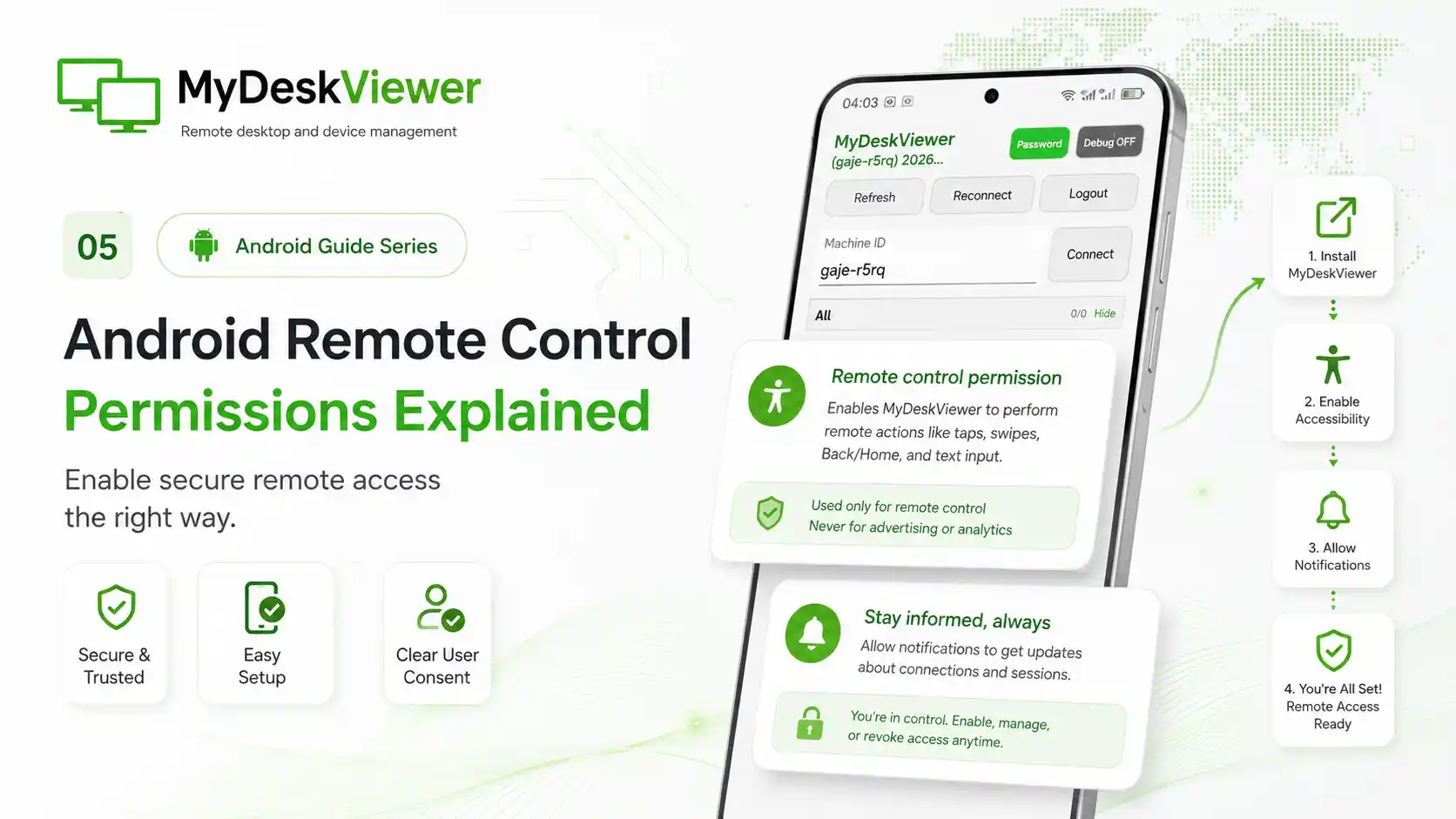
Viewing a remote screen is one thing. Allowing a session to perform taps, gestures or text input on a device is a much higher level of access. On Android, that scenario relies on the system Accessibility service, which is why we never wanted the permission to feel like something users should enable without an explanation.
In MyDeskViewer, the process is separated into clear steps. First, the application explains why the permission is needed. Only then can the user open Android settings and explicitly enable the service. The operating system remains the final place where access is granted or revoked.
A lot of development time went into what happens after the user returns from settings. The service may have been enabled, disabled or left unchanged. Android can also recreate the application screen in a different state. From the user's point of view, however, the result needs to remain simple: the interface must reflect the real permission state and clearly show whether remote control is available.
It was equally important to keep remote-control permission separate from the normal connection itself. A device being visible on an account should not automatically mean that interactive control is allowed. The additional system permission is a deliberate boundary created by Android, and MyDeskViewer is designed to respect it.
These details do not always look impressive in a release notes list, but they are essential for remote-access software. Users need to know when remote control is active, what the permission is used for and where it can be disabled.
For that reason, later iterations improved not just the remote-control function itself, but also the explanations, state handling and transitions between MyDeskViewer and Android system settings.