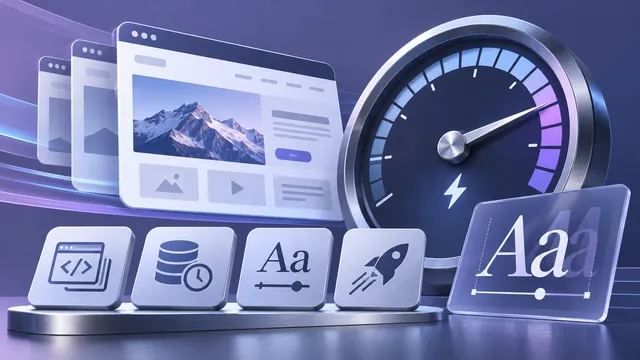
A lighter MyDeskViewer website: Variable Fonts and 100 in PageSpeed
Six font files became two, CSS and JavaScript now load inline, and our homepage reached 100/100 in all four Lighthouse categories on mobile and desktop.
Read article
Development notes, product decisions and practical lessons from building MyDeskViewer remote desktop software.
Six font files became two, CSS and JavaScript now load inline, and our homepage reached 100/100 in all four Lighthouse categories on mobile and desktop.
Read article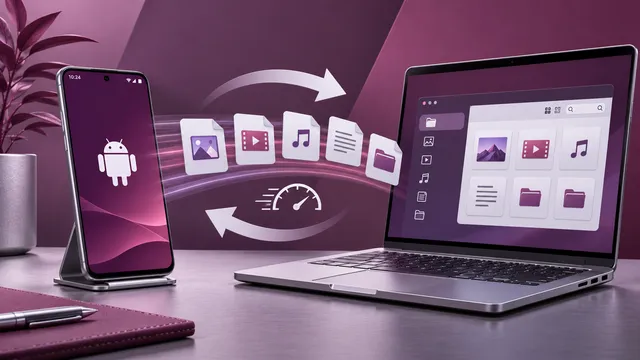
October brought file transfer without a full desktop session, refreshed Android controls and continued work on Windows reliability and additional desktop platforms.
Read article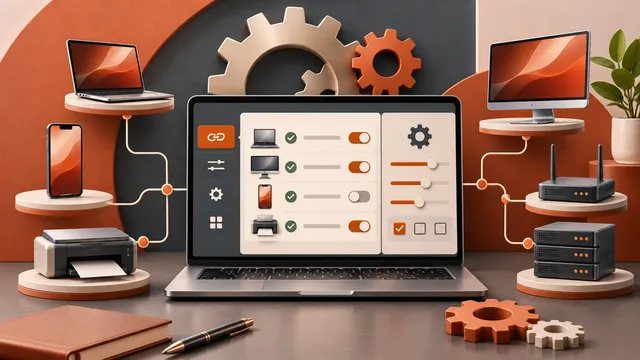
We refined how computers are saved and accessed, made desktop settings easier to understand, and continued improving the experience across platforms.
Read article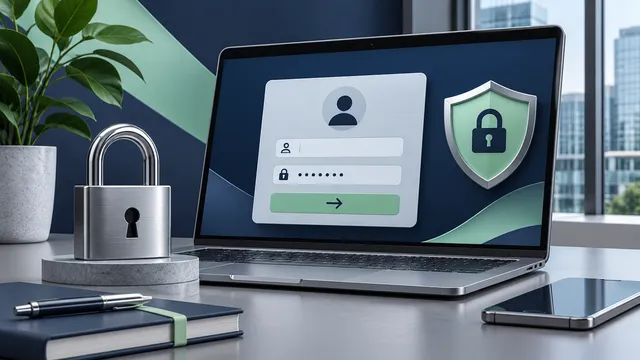
September began with stronger account protection, more reliable cross-device Copy and Paste, and usability improvements across Windows, Android and Linux.
Read article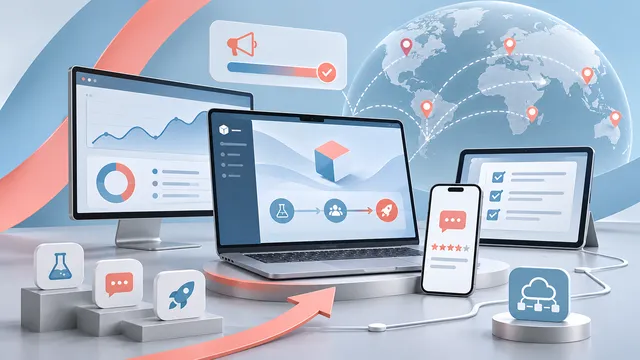
After roughly two years of design, testing and rebuilding key parts of the project, MyDeskViewer is ready to leave the development environment and reach a wider group of testers.
Read article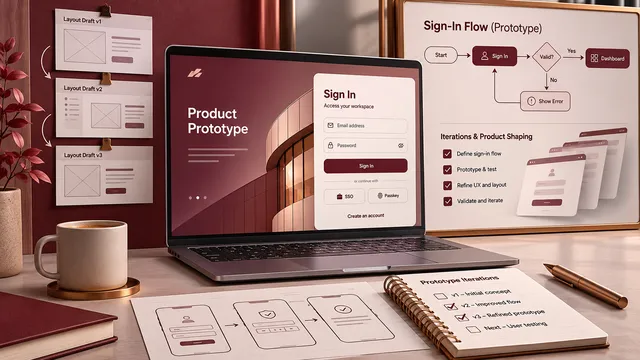
At first, the only goal was to make two devices connect. Later, the project needed user identity, saved devices and a predictable sign-in experience.
Read article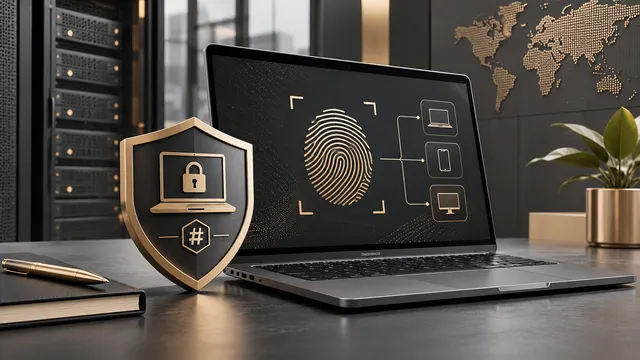
A connection alone is not enough. As the number of devices grows, users need a simple way to identify, remember and reconnect to them.
Read article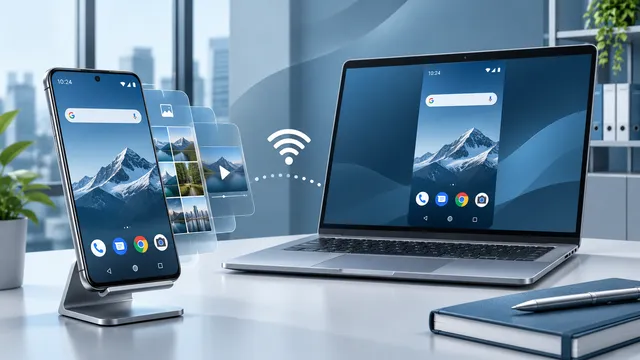
On desktop, screen sharing can look straightforward. On Android, user consent, system dialogs and version-specific behavior make the flow much more complex.
Read article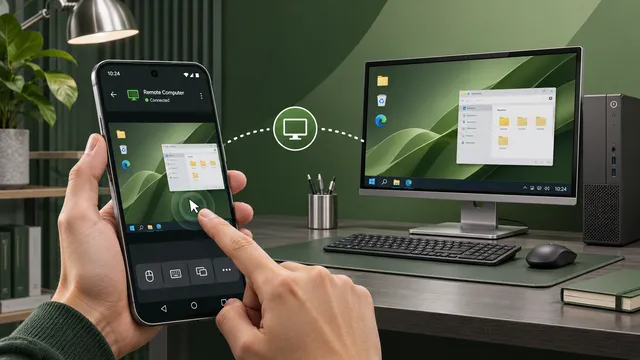
Remote control requires more trust than screen viewing. One of the key tasks was building a clear flow for granting and revoking Android permissions.
Read article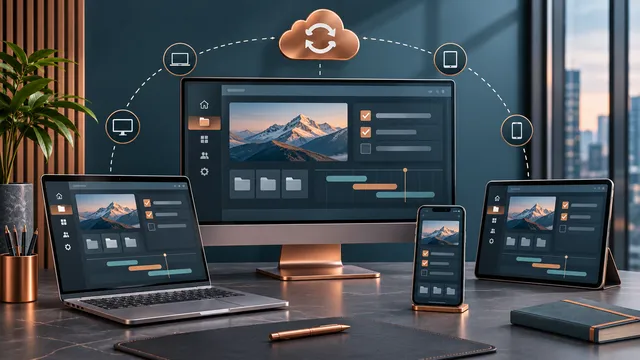
The most useful bugs appear when an application stops running only on the developer's own devices. Different hardware quickly exposes optimistic assumptions.
Read article
The most important changes before a wider release are often invisible. They are the changes that make an existing feature work every time.
Read article
MyDeskViewer is entering public testing with a product website, multilingual pages, SEO content and a new stage of user-driven development.
Read articleThe blog collects development notes, feature explanations and testing updates. Instead of generic marketing copy, it focuses on practical decisions, platform-specific challenges and the steps that shaped the current product.
MyDeskViewer is being built as a practical remote desktop and device management tool. The main focus is reliable connections, saved devices, clear permissions and an interface that stays usable in everyday work.
The project currently targets Windows first, while Android, Linux, macOS and FreeBSD support continue to grow. The website is meant to explain not only what already works, but also what is being tested and improved right now.
If you want a fuller picture, combine this page with the blog and the change log. Those sections explain why certain functions exist, how platform differences affect implementation and what direction the product is taking next.