


From a simple prototype to secure sign-in
At first, the only goal was to make two devices connect. Later, the project needed user identity, saved devices and a predictable sign-in experience.
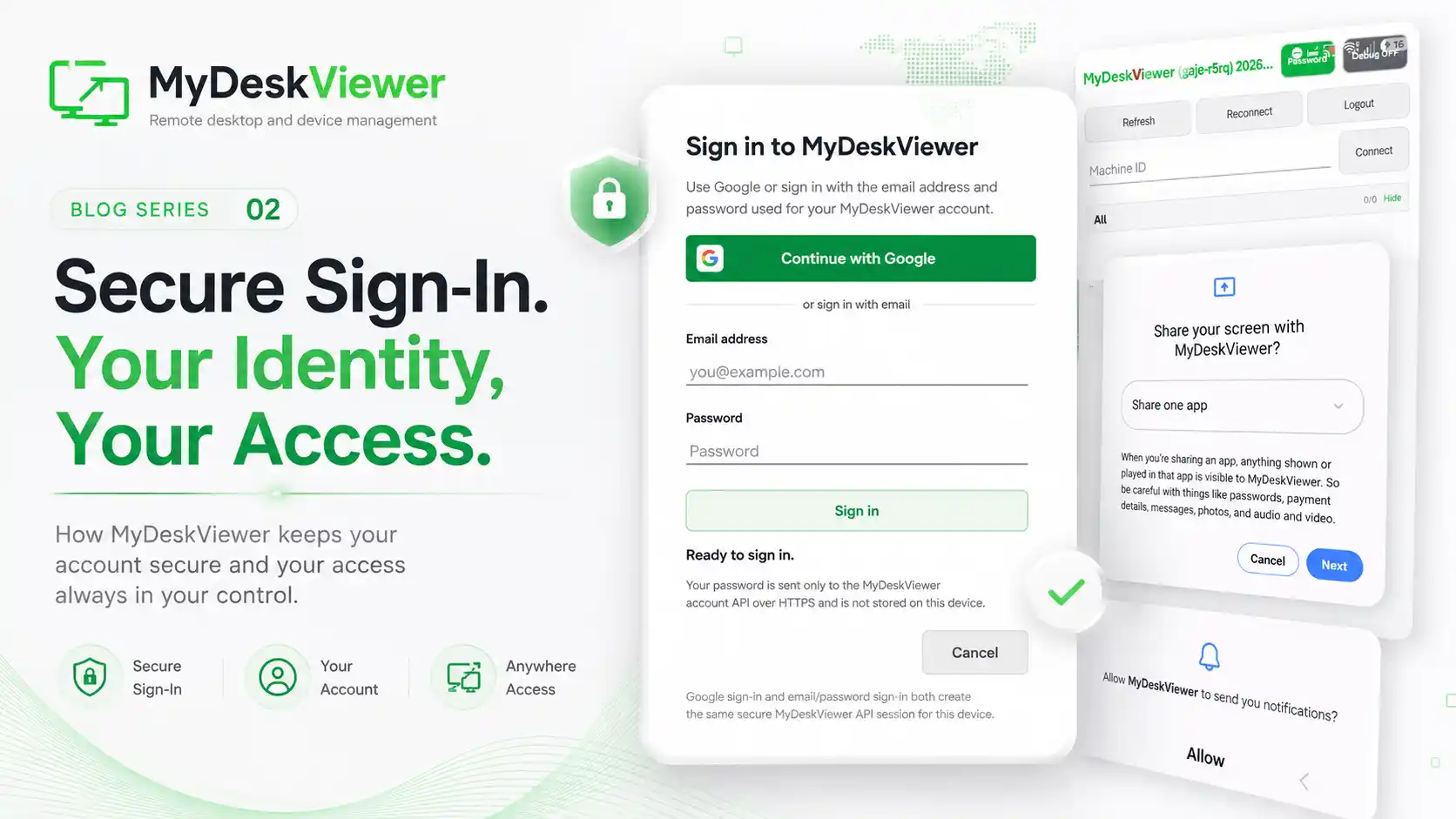
In the early stages of the project, the most important question was simple: can two devices connect successfully? Once the answer became consistently yes, a much harder question appeared: who is connecting to what, and how can that be made convenient without turning the application into a panel full of technical settings?
That was the beginning of the identity layer in MyDeskViewer. A simple device identifier was a good starting point because a user could quickly specify the computer they wanted to reach. Over time, however, accounts, assigned devices and persistent configuration became necessary if the application was going to be used regularly.
We rebuilt this part more than once. Sign-in has to feel simple, but it cannot bypass security rules. Users need to know which account they are using, which device they are selecting and whether a session is authorized. From the interface, this looks like a few fields and buttons. Underneath, there are many more states: successful and failed authentication, expired sessions, lost connectivity, reauthentication and unattended devices.
Later versions introduced more convenient sign-in methods, including Google and traditional email-and-password access. The important part was not adding another button. It was making every method lead into the same coherent and secure application session.
This stage taught us that remote desktop does not really begin with the remote screen. It begins with identity, trust and a clear answer to the question of who is allowed to access a device.
Today, sign-in is one of those parts of the product that looks obvious. In reality, it took many iterations and tests to get there - and it was essential for MyDeskViewer to move beyond being an internal tool.