


Late October: file transfer, Android refinements and the next platforms
October brought file transfer without a full desktop session, refreshed Android controls and continued work on Windows reliability and additional desktop platforms.
October was a month of turning smaller improvements into workflows that are easier to use. Much of the work took place around the edges of a remote session: starting a connection, moving a file, following a notification and ending a session cleanly.
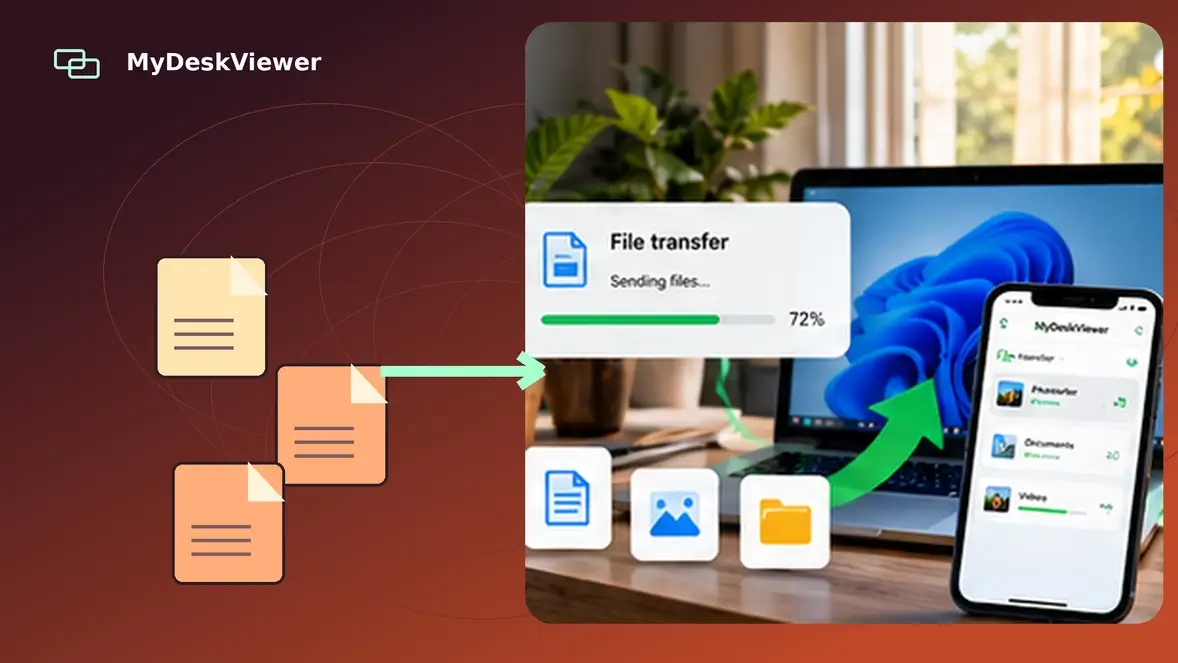
One notable addition is standalone file transfer from a computer’s options menu, without opening a remote-desktop view first. The feature retains the existing access-password and local-approval requirements. File-only activity is distinguished from screen sharing, and unnecessary screen capture and video traffic are reduced during these transfers. We also improved closing and cleanup behavior so a file panel does not inadvertently interrupt an active session.
On Android, the remote-session toolbar was reorganized around clearer actions for keyboard, refresh, copying, text input, files and tools. Portrait and landscape layouts received different spacing, connection progress is more visible, and repeated Connect taps are less likely to start overlapping actions. We also continued adjusting rendering and return-from-background behavior.
Windows received refinements to remote-session handling, clipboard compatibility, connection status and supporting tools such as chat and QR-based device sharing. Work on optional, user-defined device identifiers is continuing, with compatibility with existing machine IDs a central requirement.
Beyond Windows and Android, we are testing further Linux, macOS and FreeBSD improvements. The website and downloads pages have also received updates for clearer platform information and better accessibility and search metadata. Availability may differ by platform and build; we will continue publishing changes as features are verified.