


Machine ID, device lists and the first truly convenient connections
A connection alone is not enough. As the number of devices grows, users need a simple way to identify, remember and reconnect to them.
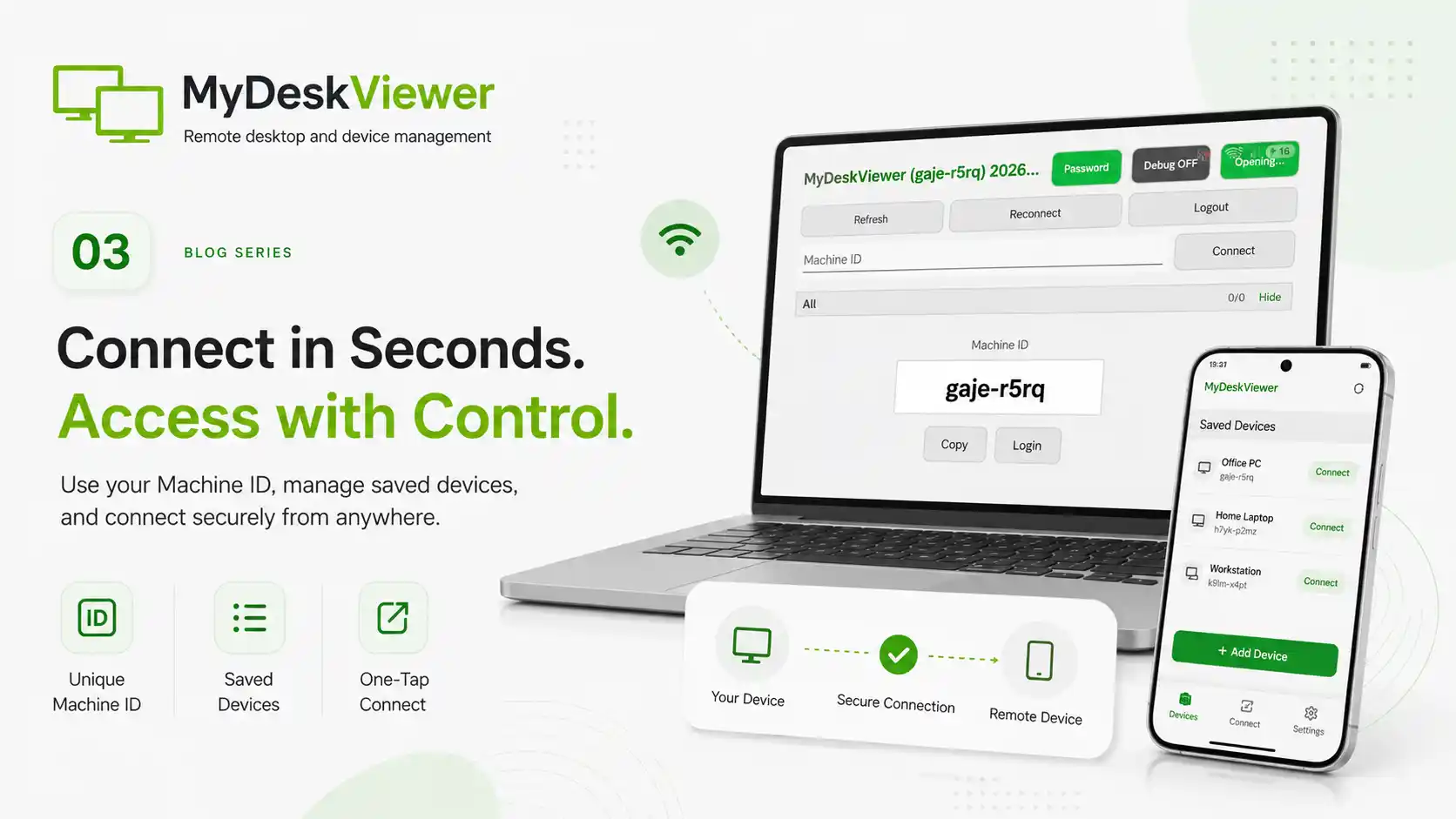
One test device is easy to remember. Two are still manageable. The problem begins when an application is used across several computers, locations and people. At that point, manually entering technical network details stops being practical.
That is why one of the more important steps in MyDeskViewer development was organizing device identity. Machine ID needed to be easy to read, copy and share while hiding unnecessary network details from the user.
In practice, this required many small changes. The identifier had to remain readable on both desktop and mobile screens. There needed to be a quick copy action, a clear device state and sensible behavior when the selected computer was temporarily unavailable. Later, this expanded into saved device lists, grouping and reconnecting without restarting the whole process.
A surprising amount of work went into transitional states. A remote machine can be online, offline, booting, switching networks or briefly unavailable. Users should not have to guess whether they need to refresh the application, sign out or manually enter everything again.
This stage was less visible than adding a large new feature, but it had a major effect on everyday use. These are the details that turn a technical utility into a product.
As development continued, we spent more time not only on establishing a session but also on everything around it: identifying the machine, presenting its state, reconnecting and keeping the device list organized.
Only then did MyDeskViewer begin to feel convenient not just during a single successful demonstration, but during regular use.